Custom theme development
Shopify theme developers who build, not configure
A bought theme is somebody else's decisions with your logo on top. We build custom Shopify themes in Liquid from your design: the sections your merchandisers actually need, the speed your customers notice, and code your next developer can read.
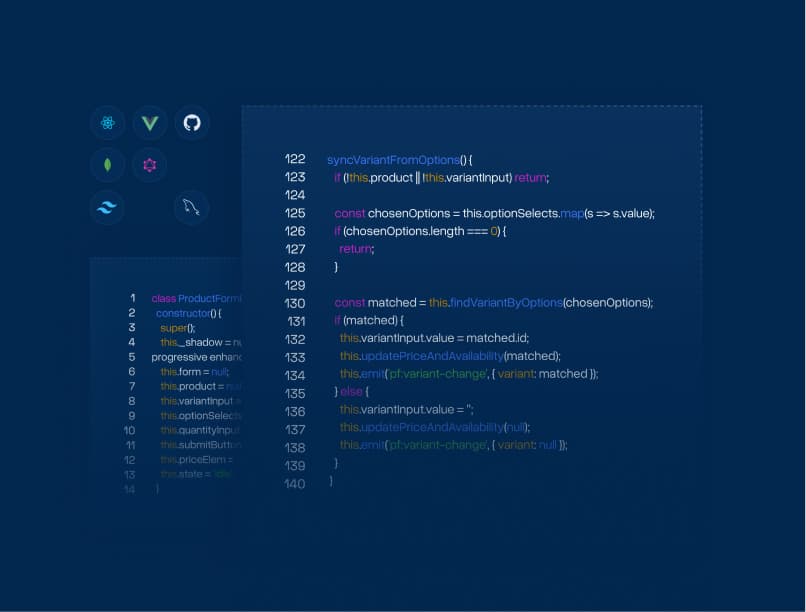
Custom vs. configured
What you get that a theme from the store cannot give you
Premium themes are good software. They are also built for ten thousand stores at once, which is exactly the problem once your catalogue, your merchandising or your brand stops looking like the average. Four differences that show up in the numbers.
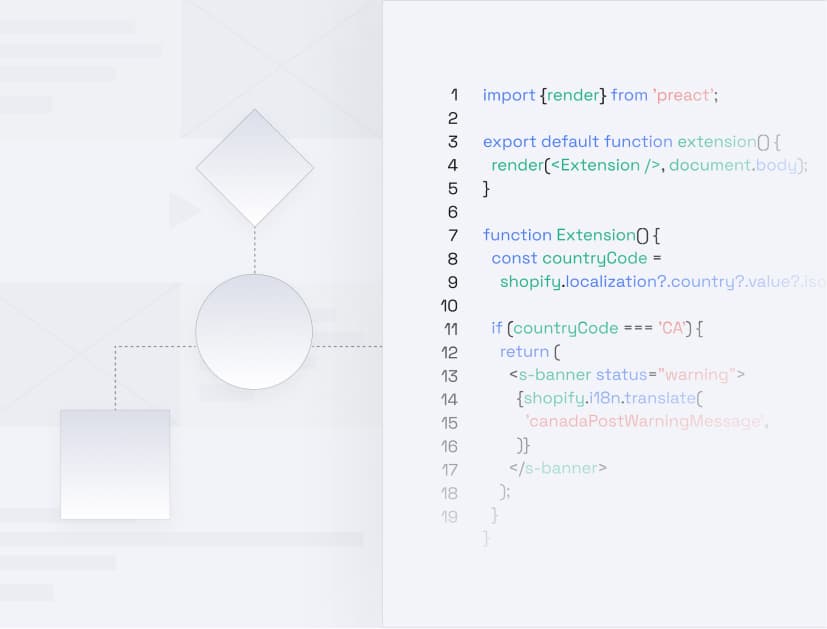
The layout follows your funnel
We start from how your customers actually decide: which product information settles the doubt, where the variant picker belongs, what the collection page has to filter. A stock theme puts those in the order that suited its demo store.
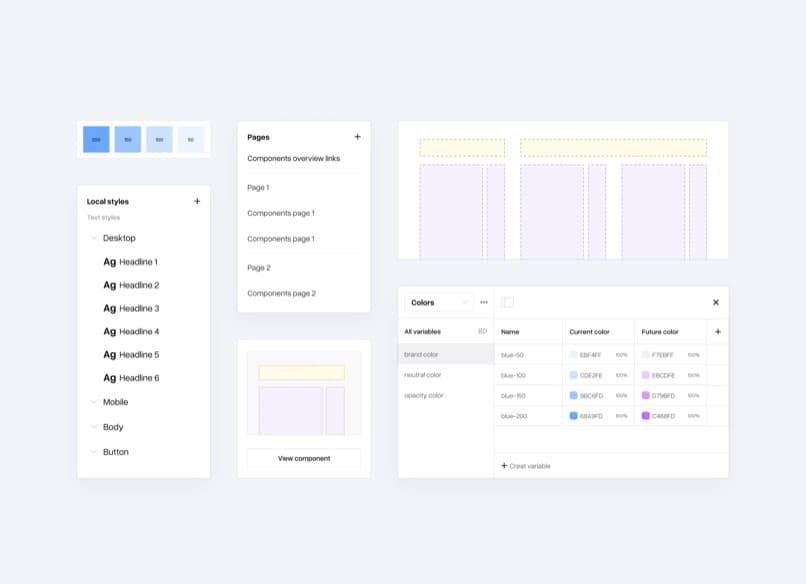
Sections your team can actually use
Every block is a real theme section with real schema settings, so marketing builds a landing page in the editor instead of opening a ticket. The most expensive custom theme is the one that needs a developer for a banner change.
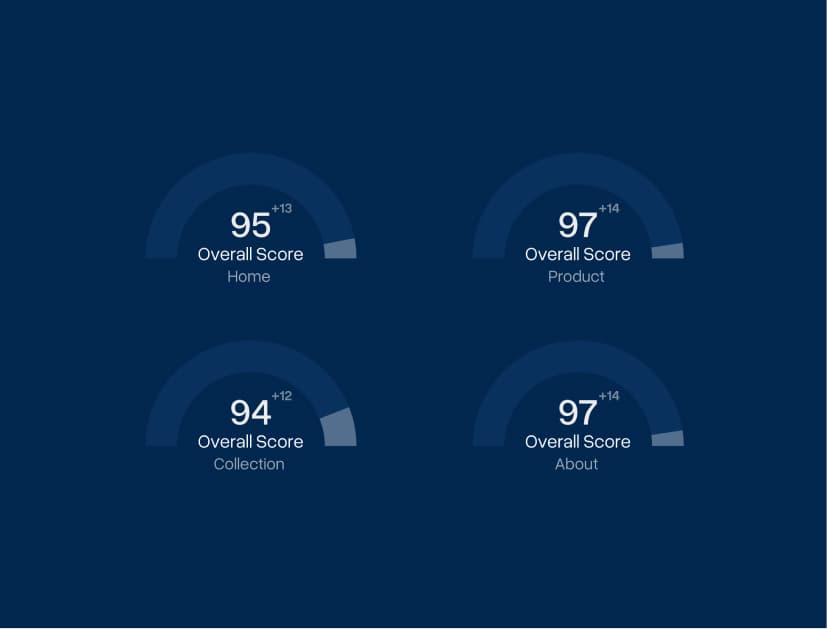
Speed by subtraction
Bought themes ship every feature so that every buyer finds theirs, and you pay for all of them on every page load. We ship only what your store uses, which is why a custom build usually beats a configured one on Core Web Vitals without a single optimisation app.
Code you are not locked into
Online Store 2.0 structure, documented sections, no obfuscated vendor bundles and no licence that ends when a subscription does. You own the theme. If you ever replace us, the next team reads the code instead of guessing at it.
How a theme build runs
From design file to a theme your team runs itself
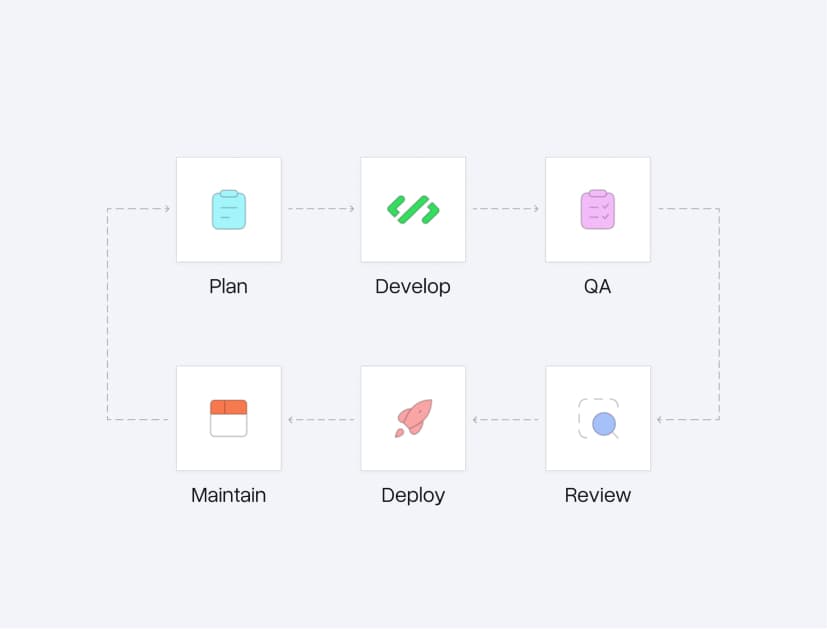
Four stages, each ending in something you can look at. No phase where the project disappears into a repository for six weeks.
Scope the theme, not the wishlist
We go through your templates and decide which ones earn custom work and which ride on shared patterns. Home, product and collection almost always earn it. A shipping-policy page almost never does, and pretending otherwise is how theme budgets double.
Design to schema
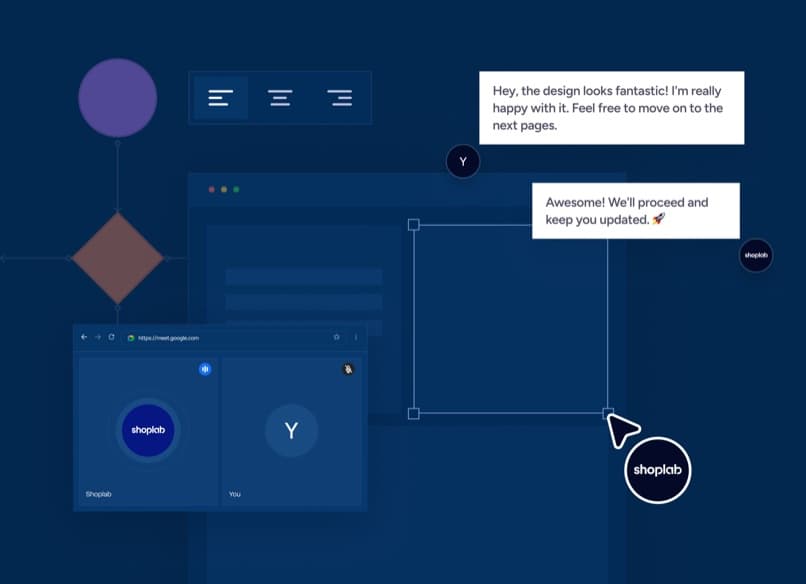
Your Figma file becomes a section inventory before anyone writes Liquid: which blocks repeat, which settings each one needs, what is a section and what is a snippet. Do this after coding and you get a theme that looks right and edits badly.
Build in the open
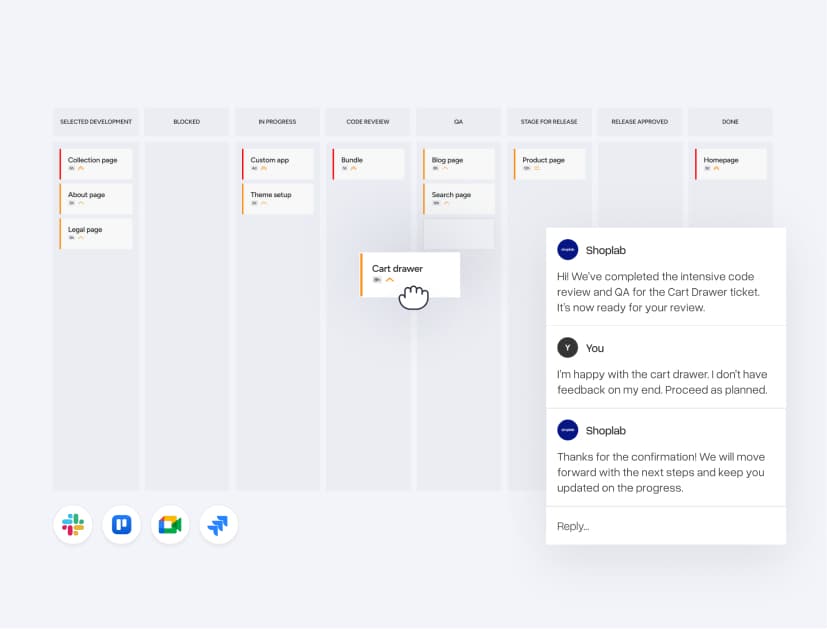
Development runs on a development theme against your real catalogue, with GitHub integration and a preview link that stays current. You watch it come together and correct course in week two rather than week eight.

Launch, then hand over the keys
Cross-browser and device QA, Core Web Vitals check, accessibility pass, then publish. You get a documented section reference and a walkthrough with the people who will edit the store, because a theme nobody on your team dares touch is not finished.
Trusted by brands worldwide
Custom themes running in production, in several industries
Fashion, furniture, beauty, B2B: the brands below run stores we designed, built or rebuilt, and the theme is the part their teams touch every day.






Theme development FAQ
What merchants ask before commissioning a custom theme
Straight answers on timelines, ownership, app compatibility and when a bought theme is genuinely the better call.


Not sure custom is right?
We will tell you if it isn't.
A theme built for your store in Liquid, JSON templates and Online Store 2.0 sections, rather than a purchased theme with your colours set. It covers the section architecture, the templates, the front-end code, the editor settings your team uses, and the QA and handover around it. Design can come from your designer, ours, or an existing brand guide.
Most builds land between four and ten weeks from approved design to launch, and the range is set almost entirely by template count and integration surface, not by page beauty. A five-template store with a clean catalogue is fast. Twelve templates, a configurator and an ERP feed is not, and any agency quoting the same number for both has not read your brief.
Yes, outright. The code lives in your Shopify store and in your repository, with no licence, no subscription and no encrypted vendor files. Ownership is the point: it is what separates a custom build from a theme rental.
The ones that matter, yes, and we audit that before the build rather than after. App embeds and theme app extensions carry over cleanly. Apps that inject code into a specific stock theme's markup are the risk, and they are usually the ones a custom section replaces outright, which is a saving rather than a migration problem.
A configured premium theme is genuinely the right answer when your catalogue is standard, your brand is flexible and speed to launch beats fit. It stops being the right answer when you find yourself paying for four apps to bend it into shape, or when a developer has to touch it for every campaign. That is the point where customisation costs more than the custom build would have.
Often, and it is the cheaper path when the structure is sound and the problem is speed, layout or a handful of missing sections. We audit first and say which it is. Rebuilding on a bought theme that fights you at every turn is throwing good money at somebody else's architecture.
Always. JSON templates, section groups and app blocks are what make a theme editable by your team instead of by us, and there is no reason to ship anything older in 2026. If your current theme is pre-2.0, that alone is usually the strongest argument for a rebuild.
Related
Around the theme
The services a theme build usually arrives with.

Martin Winkler
Co-Founder & CEO
Mark Chang
Founder & CTO