Anyone who has been developing on Shopify for a while knows the old method for customizing the checkout: opening checkout.liquid, hoping that nothing breaks with the next Shopify update, and accepting that Shop Pay compatibility was practically out of the question. This era is over.
Shopify Checkout Extensibility is the new foundation, and for developers, it changes everything: how checkout customizations are built, delivered, and maintained. Here's what you need to know.
What is Checkout Extensibility?
Checkout Extensibility is Shopify's framework for checkout customizations through a modular, app-based system, rather than directly editing template files. It completely replaces checkout.liquid and is now the only supported way to customize the Shopify checkout.
It consists of four core tools that work together:
- Checkout UI Extensions: Integrate custom UI components at defined extension points in the checkout flow
- Shopify Functions: Extend or replace Shopify's server-side business logic (discounts, shipping, payments, cart validation)
- Web Pixels: Track customer events for analytics and advertising in a sandboxed, privacy-compliant environment
- Branding API: Programmatic control over the visual appearance of the checkout, beyond the checkout editor
Why Shopify deprecated checkout.liquid
The problems with checkout.liquid were well-known. Customizations were tightly coupled with the checkout HTML, meaning every Shopify platform update was a potential breaking change. It was incompatible with Shop Pay. It couldn't be tested reliably. And it prevented merchants from benefiting from Shopify's ongoing performance and security improvements.
The migration took place in two phases:
- August 13, 2024:
checkout.liquiddisabled for contact, shipping, and payment steps - August 28, 2025:
checkout.liquid, script tags, and additional scripts disabled for the thank you and order status pages
If you haven't yet migrated your thank you and order status pages: this deadline has already passed. Existing legacy customizations on these pages will no longer render.
Checkout UI Extensions: The core building block
UI Extensions allow you to embed custom UI into the checkout flow. They work through a system of Extension Targets, predefined slots where the component can be rendered.
Two types of targets:
- Static Targets: bound to specific checkout steps such as contact information, shipping method selection, and order summary line items
- Block Targets: render anywhere in the checkout and are always visible, regardless of which steps are active (e.g., for order notes or global trust badges)
Important technical details:
- Extensions are typically built with Preact, with hooks like
useStateanduseEffectdirectly available - The UI is rendered via Polaris web components via Remote DOM, not arbitrary HTML.
<script>tags or CSS overrides are not possible - Extensions run in an isolated sandbox, with no access to sensitive payment data or the checkout DOM
- All components automatically adopt the merchant's branding settings - fonts, colors, corner radius, for a consistent checkout experience
- Development with the Shopify CLI, required for generating, developing, and deploying extensions
What can be built with it:
- Upsell and cross-sell blocks
- Custom fields (gift messages, order notes, delivery instructions)
- Trust badges and loyalty point displays
- Address validation and custom shipping method messages
- Post-purchase survey pages
- Localized content for multi-language and multi-currency stores
Shopify Functions: Backend logic without a server
Functions are WebAssembly-based modules that run on Shopify's infrastructure, allowing you to replace or extend Shopify's native server-side logic. They are among the most powerful parts of the Extensibility framework for developers with complex requirements.
What Functions can do today:
- Discount logic: tiered discounts, bundle pricing, buy-X-get-Y rules, minimum order value promotions
- Shipping customizations: Show, hide, reorder, or rename shipping options based on cart content, customer tags, or geography
- Payment customization: Conditionally show or hide payment methods (e.g., hide cash on delivery for digital products)
- Cart validation: Block checkout if certain conditions are not met (minimum order quantities, restricted product combinations)
Functions are written in languages that compile to WebAssembly, with JavaScript/TypeScript being the most common choice for Shopify developers. They execute quickly, without cold starts and without managing your own infrastructure.
Web Pixels: Tracking without script tags
One of the biggest pain points in the checkout.liquid era was conversion tracking. Custom script tags in the additional scripts field were the only option, error-prone, difficult to debug, and often conflicted with each other.
Web Pixels solve this problem by providing a sandboxed environment for tracking customer events. GA4, Meta, Google Ads, and other platforms now offer compatible pixel apps that utilize this framework. For individual tracking requirements, Shopify's Customer Events system allows for the creation of pixel extensions that fire on standard e-commerce events with access to structured checkout data.
What this means for developers in practice
The advantages:
- Update-safe by Design: the extension code is decoupled from the checkout HTML. When Shopify updates the platform, customizations continue to function
- Distributable as Apps: build once, deploy to any merchant. Public apps can be listed in the Shopify App Store; private apps can be installed on specific stores
- Shop Pay compatible: Extensions work on all Shopify checkout surfaces, including the accelerated Shop Pay flow
- Over 860 Extensibility-based Checkout Apps already exist in the ecosystem, with extensive documentation and community tooling
Limitations to be aware of:
- No arbitrary HTML or CSS: work is done within Polaris components; deviations from the merchant's branding settings are not possible
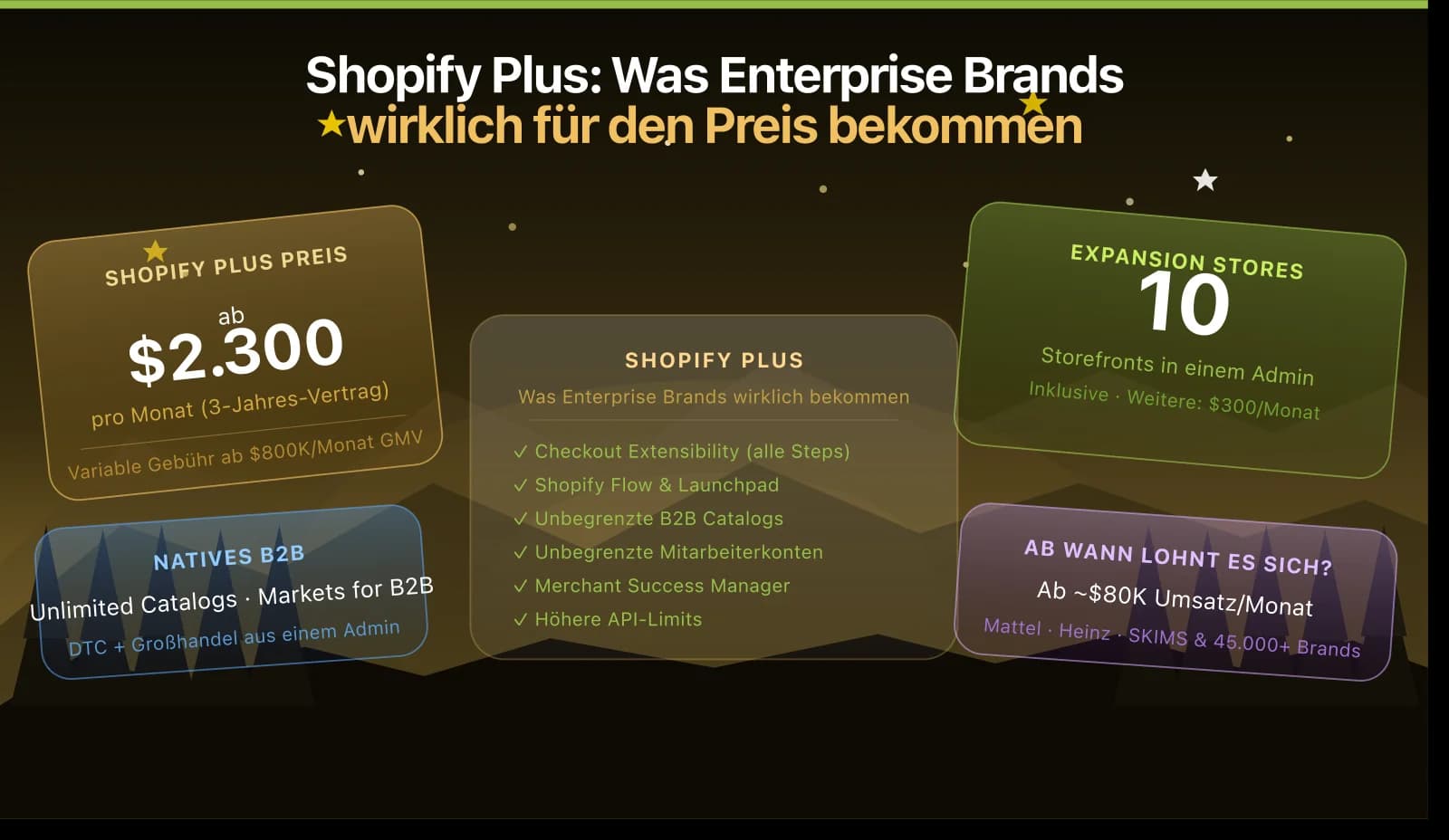
- UI Extensions for contact, shipping, and payment steps are only available for Shopify Plus: on lower plans, customizations are limited to thank you and order status pages
- Sandboxed environment: no access to the checkout DOM, no global web APIs. Those who previously relied on DOM manipulation must fundamentally rethink their approach
- Functions require WebAssembly: JavaScript compiles easily, but the runtime environment differs from what most developers are familiar with; local testing requires the Shopify CLI
Customer Account Extensions: What's new in 2025
In Shopify's Summer 2025 Edition, the Checkout Extensibility APIs were extended to the customer account area. Developers can now embed custom sections, tabs, and tools directly within the customer account dashboard, including loyalty point displays, past order details, subscription management, without needing an external portal or a separate storefront.
This is a significant expansion for agencies building loyalty programs, subscription flows, and B2B self-service portals on Shopify.
Getting Started
The recommended entry point for developers new to Checkout Extensibility:
- Set up Shopify CLI, it is required for all extension development
- Read the Checkout UI Extensions documentation on Shopify.dev for the current API version
- Use the Checkout Customization Report in the Shopify Admin to check which legacy customizations still need to be migrated (
admin.shopify.com/store/YOUR-STORE-NAME/settings/checkout/customizations-report) - Start with the first extension on the thank you page (checkout extensions are part of what we build every day - more on Shopify app development), lower complexity, available on all plans, ideal for understanding the extension model before tackling Plus-exclusive checkout steps
Conclusion: The old way is history, the new way is better
Checkout Extensibility is not a workaround or a compromise; it is a fundamentally better architecture for checkout customizations. The limitations that initially seem restrictive (no arbitrary CSS, no DOM access) are precisely what makes extensions update-safe, performant, and secure.
For developers, this is the maturation of the Shopify ecosystem. The tooling is solid, the documentation is comprehensive, and a library of patterns and reference apps is growing. Anyone still maintaining checkout.liquid code for a client should start planning the migration now - our Shopify development team helps with the theme-side work.
A good example of what extensions and custom configurators make possible is the bundle builder we built for Simple Pledge.