Migration checklist
The Shopify migration checklist we actually use
Migrations do not fail at the data transfer. They fail at the things nobody wrote down: the forgotten integration, the unmapped URLs, the email flows still pointing at the old shop. This is the checklist from our own projects, in the order the steps should happen.
Before anything moves
The inventory phase, where migrations are won
Everything on this first list happens before a single record is transferred. It is unglamorous work, and it is the difference between a cutover weekend and a cutover month. If you only take one section from this page, take this one.
List every data type you own
Products with variants and custom fields, customers with their groups, order history, discount codes, gift cards, reviews, blog content. For each one, write down where it lives and whether the new store needs it. "We forgot the gift cards" is a real sentence from real projects, and it never comes up at a good time.
Map every connected system
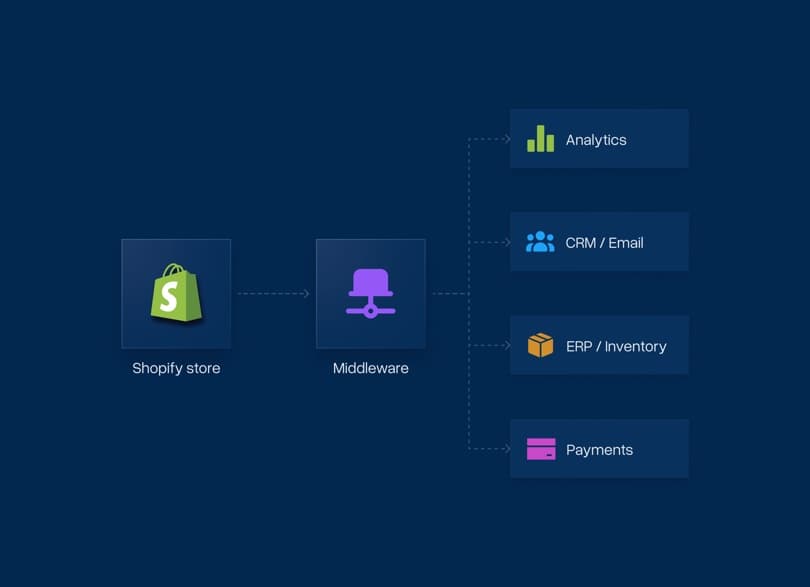
ERP, accounting, shipping labels, newsletter, marketplaces, feed tools. Note what each connection does, not just that it exists. Half of these will have a native Shopify integration, and the other half is exactly the work you want discovered now rather than two weeks before cutover.
Decide what does not move
A migration is the cheapest moment you will ever have to drop dead weight: products that have not sold in years, extensions nobody remembers installing, category structures built for a strategy you left behind. Migrating everything unexamined costs money twice, once in the move and once in the maintenance.
Inventory the customer-facing details
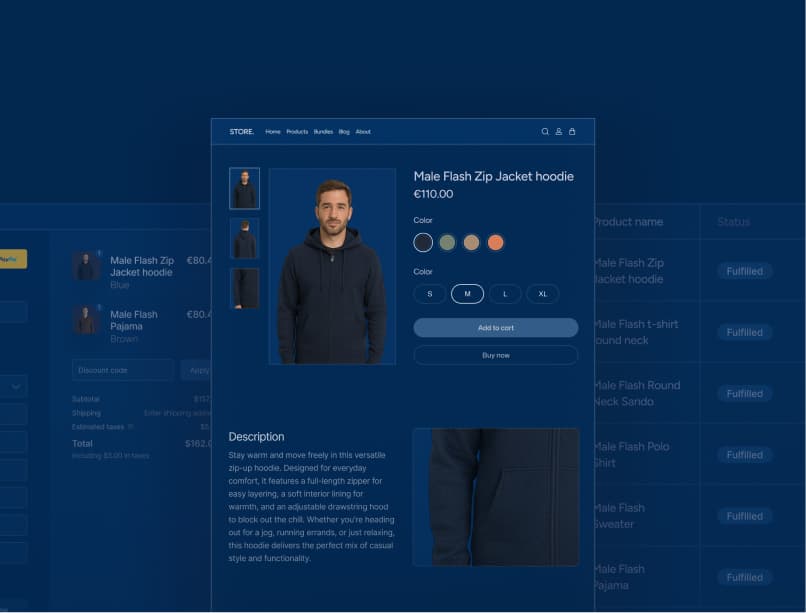
Transactional emails, abandoned cart flows, product review widgets, size guides, the FAQ page nobody owns. These live in the gaps between systems, which is why every checklist that only covers "data" misses them. Your customers will not miss them.
The move itself
From first dry run to the weeks after go-live
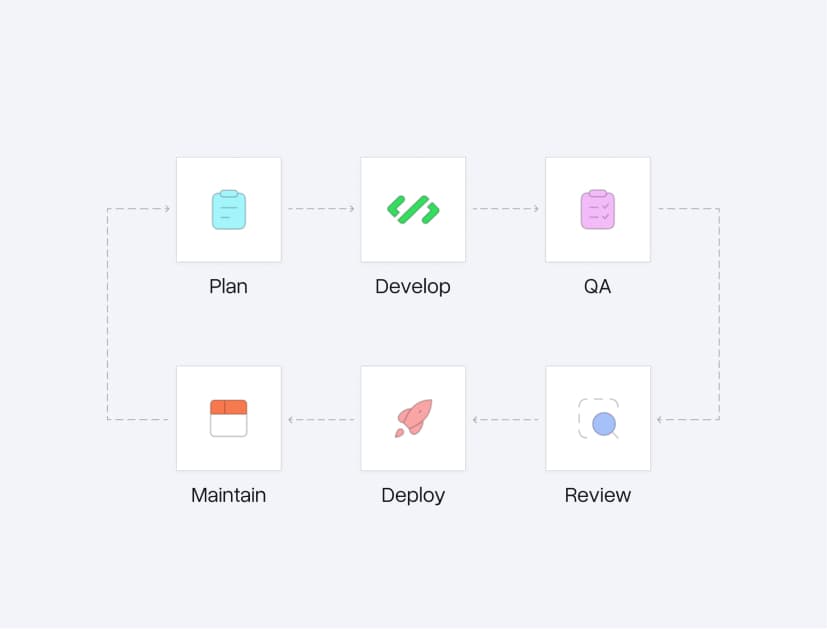
With the inventory done, the migration becomes a sequence you can verify step by step. Each stage below has a clear exit condition. If you cannot say a stage is finished, it is not.
Build the mapping and the redirect plan
Every data structure gets a written destination: field to field, attribute to metafield, category to collection. In parallel, every indexed URL gets its future 301 target. Both documents exist before the first transfer, because deciding during the transfer is how data gets lost.
Dry run, count, reconcile, repeat
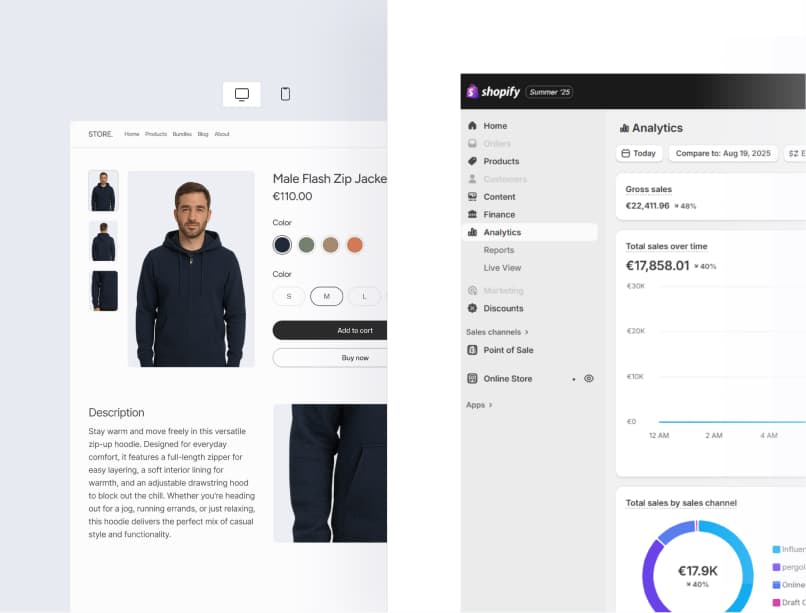
The first migration run is never the real one. Transfer into a test store, then reconcile the counts: products, variants, customers, orders, images. Every mismatch gets explained, not waved through. You repeat until two runs in a row come out clean.

Cutover in your quietest window
Content freeze on the old shop, final delta migration, redirects live, DNS switched at the hour your analytics says is quietest. The old system stays reachable behind the scenes as the rollback path you plan for and then do not need.

Watch the numbers until they come back
Search Console for crawl errors and de-indexed pages, server logs for 404s the redirect map missed, revenue against the same weekday last month. Daily, for weeks, not once on launch day. Rankings dip and recover; what you are watching for is the dip that does not.
Trusted by brands worldwide
Great brands that we help build and scale their businesses
We believe strong client relationships deliver great results, helping businesses scale with stronger conversions and sustainable growth.






Checklist FAQ
Questions that come up while preparing
What merchants ask when they start working through a migration checklist of their own.


Preparing a migration?
We will walk the list with you.
Two to three months before you want to be live, for most stores. The inventory phase needs calendar time more than working time: answers have to come from your ERP contact, your fulfillment partner, your marketing tools. Starting the checklist early costs nothing. Starting it late costs the cutover date.
Yes, the old store runs untouched until cutover. Orders and customers created after the main transfer come across in a final delta migration during the content freeze, which is typically hours, not days. There is no phase in which you cannot take orders.
Customer passwords, because every serious platform stores them as one-way hashes. Customers set a new password on their first login in the new store, and that flow deserves design attention so it reads as an upgrade rather than an error. Nearly everything else, including order history, can move.
Whoever runs the migration should build it from a full crawl plus Search Console data, not from memory. It covers product URLs, category pages, CMS pages, blog posts, and the filtered URLs that earn traffic. If your migration partner has not asked for your Search Console access, that is worth noticing.
Yes, as your review instrument. An agency runs these steps for you, but the checklist tells you which questions to ask and which answers should worry you. A partner who cannot show you their equivalent of this list is improvising on your store.
Three repeat offenders: transactional emails still carrying the old design or the old links, tracking and feed tools never repointed at the new store, and redirect gaps on URL patterns nobody crawled. All three are on this checklist precisely because they are the usual suspects.
Related
When you are past the checklist
The method behind the list, the budget question, and the platform-specific routes.

Martin Winkler
Co-Founder & CEO
Mark Chang
Founder & CTO